

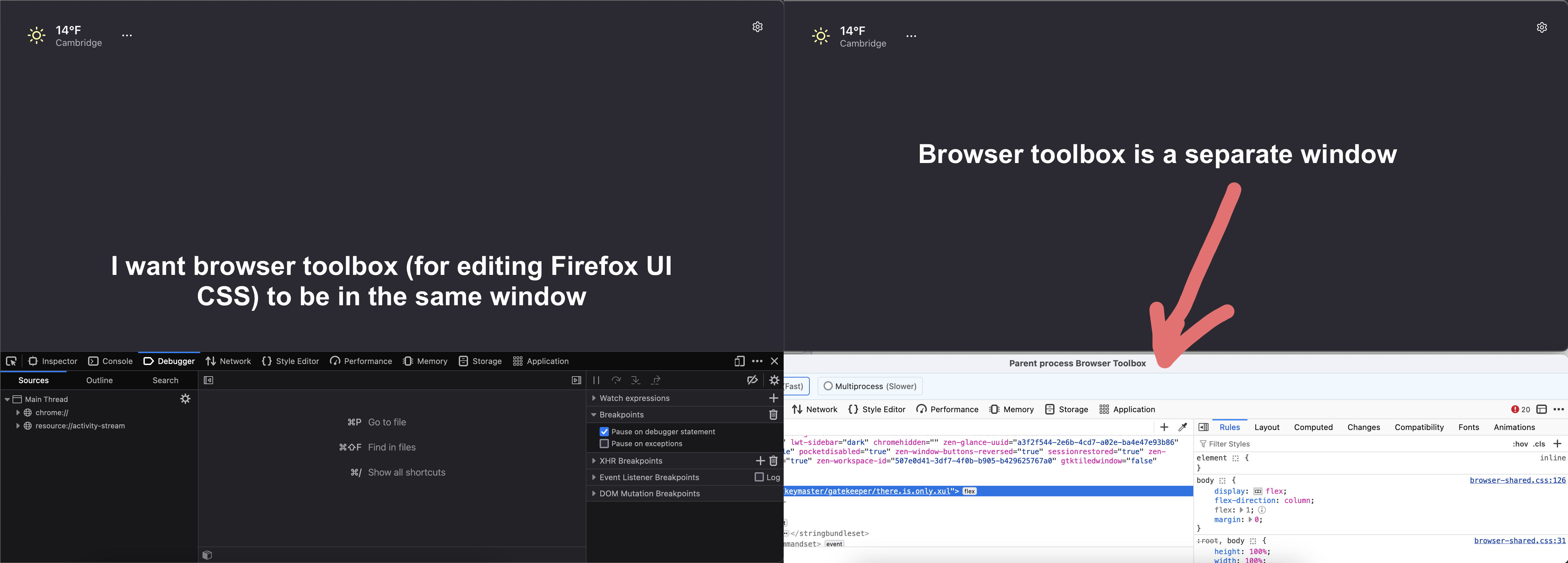
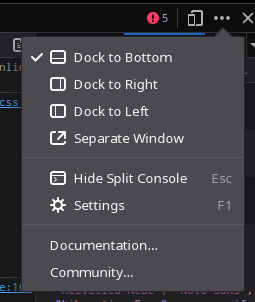
The
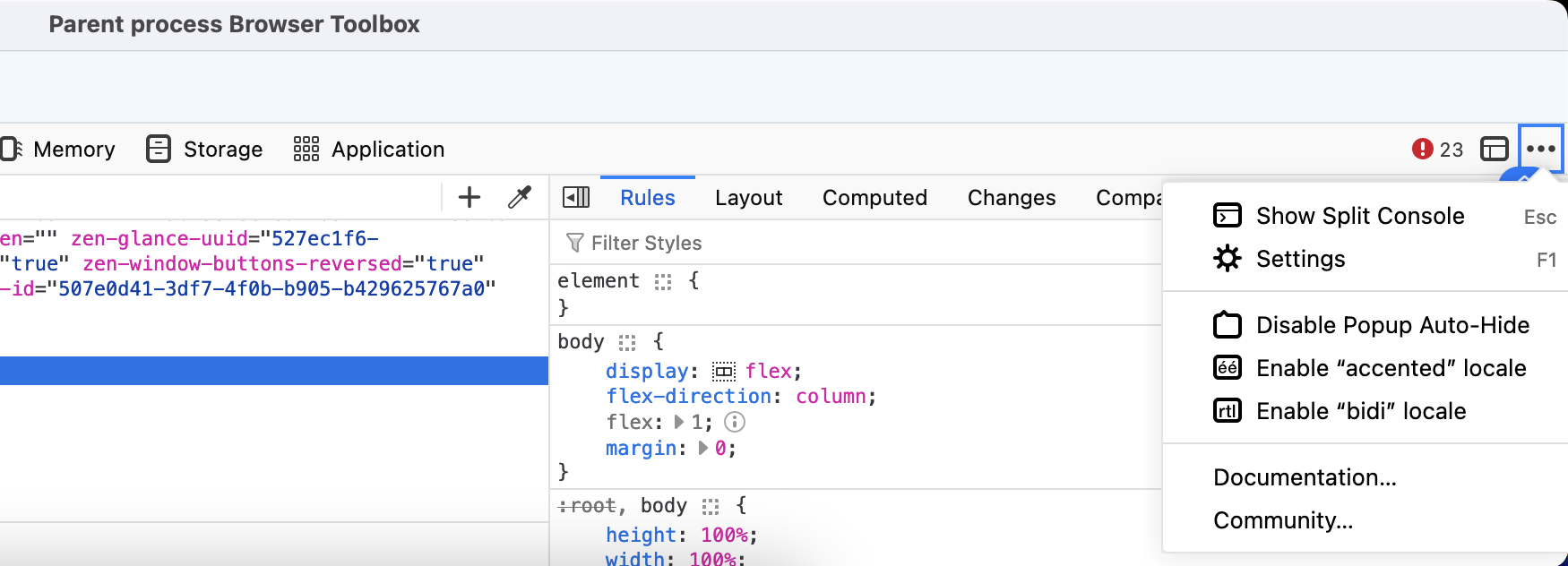
menu in the top right has an option to pick where the toolbox is docked.Unfortunately that option is not there
https://support.mozilla.org/eu/questions/1022724
This suggests you can go to
about:configand setdevtools.toolbox.hosttobottomfor the toolbox.However, it also suggests that the
Parent processtoolbox you are looking at can’t be docked.It’s possible the one you saw before was the Web Console (Ctrl+Shift+k) which is docked by default. On that one, there are a couple of icons on the right side to re-dock either on the bottom or side of the tab content. I don’t know whether it is possible to dock the Browser Console.
Try using Ctrl+Shift+K to open the console for a specific window/tab (this one should be dockable) instead of Ctrl+Shift+J, which opens a console for every window/tab combined (so can’t be docked to a specific window/tab)
(Also who downvoted me for being the only one to even attempt to offer a solution, geez. Makes people not even want to try to help.)